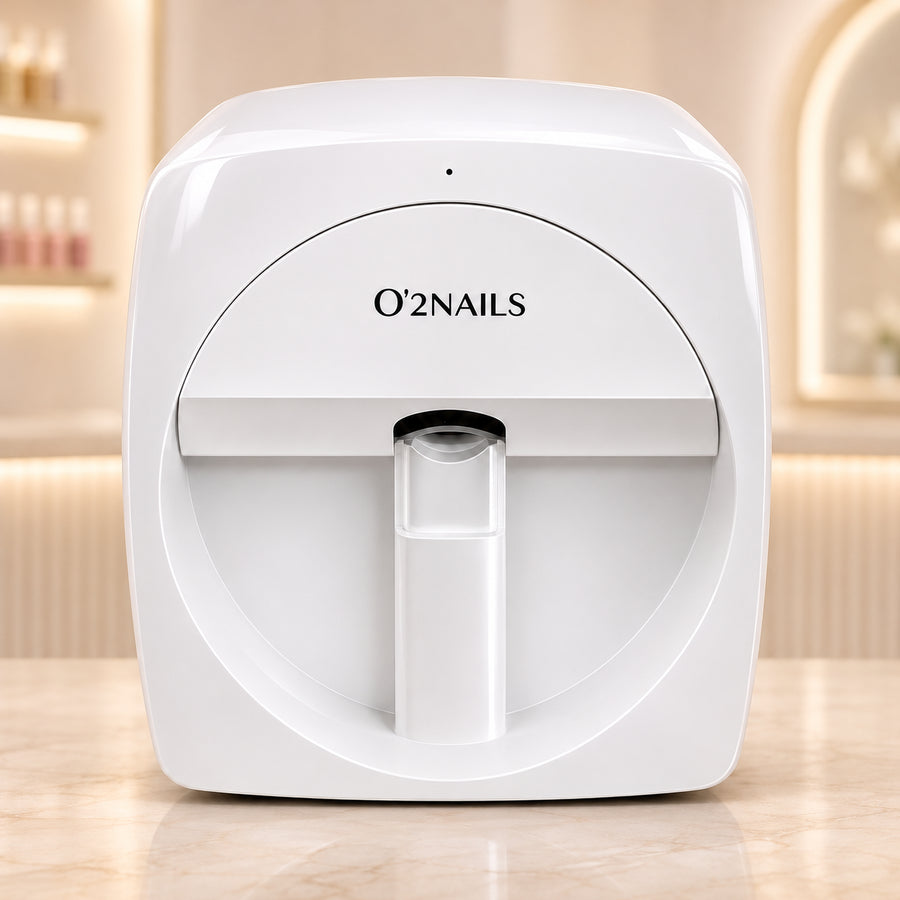
A professional nail printer helps a salon reproduce detailed digital artwork without hand painting every design. NailPrinter supplies the O’2Nails V11 for portable and single-station work and the X12.5 for dedicated salon setups, with training and support for buyers in the United States and Canada. Nail preparation and finishing remain part of the service.
What changes when you print custom nail art?
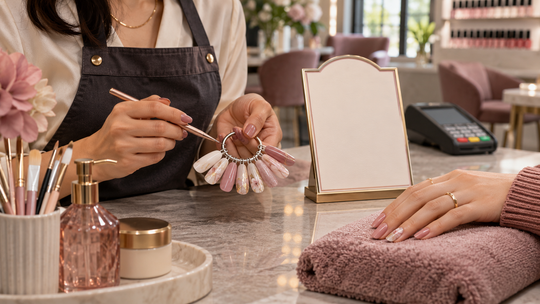
When a client brings a photo, a monogram or an intricate pattern, a printer provides another way to apply the artwork. Your technician still selects a suitable image, prepares the nail, positions the design and finishes the service. The printer handles the digital artwork step; it does not perform a complete manicure.
A repeatable three-step salon workflow
- Prepare and choose. Prepare the nail and apply the print base required by the product instructions. Select or upload artwork you have permission to use.
- Position and print. Fit the image to the nail using the app or machine controls, position the finger and print. Practise alignment before offering the service to paying clients.
- Finish and inspect. Follow the recommended finishing and curing instructions. Check the result and record the full appointment time, including preparation and any repeat prints.
A quoted print time covers only the artwork step. Ask for a live demonstration that includes preparation, positioning and finishing for the designs you plan to sell.
V11 or X12.5 for custom nail art?
- V11: portable, phone-controlled operation for mobile technicians, solo studios or a salon workstation.
- X12.5: a dedicated salon station with an integrated 10.1-inch touchscreen.
Choose based on space, controls and workflow. Salon size alone does not establish which machine will be faster for your team. Compare V11 and X12.5 before choosing.
Turn designs into a service you can price
Start with a small menu: a personalized accent nail, a coordinated printed set or an event design. Test which clients choose it and how long it takes your team. Charge for the extra service based on materials, labour and local demand.
Calculate additional service revenue minus ink, gels, technician time and payment fees. Our cost and payback guide includes the formulas and example scenarios. Income and payback depend on actual paid bookings.
Check training, support and purchase terms
Review the chosen product page for current Starter Pack contents and pricing. Read the training guide, warranty and return policy, and ask for owner references relevant to your intended use.
Buying in the United States or Canada
US buyers: view ordering and currency guidance. Canadian buyers: view the Canada guide. Select your country on the product page and check the current price, currency and final order total before payment.
See the V11 and current price · See the X12.5 and current price · Book a demonstration
Updated November 5, 2026.