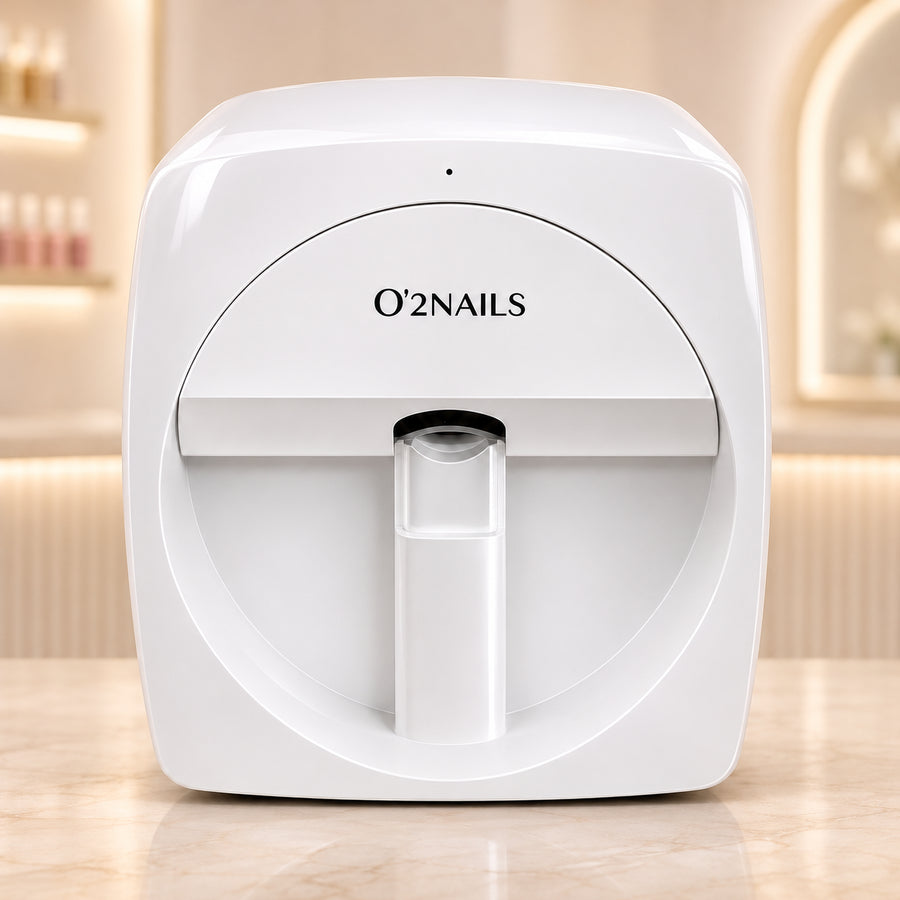
Whether you are a mobile nail technician using the V11 or a high-volume salon operating the X12.5, the quality of your nail art depends heavily on your ink supply. The SM10 cartridge is the lifeblood of every O'2Nails printer, delivering vibrant, high-resolution designs in seconds rather than the 30–45 minutes hand-painting takes. Because there is one cartridge for the whole range, there is nothing to cross-reference: if it is an O'2Nails printer, it takes the SM10. In this guide we cover everything you need to know about your SM10 cartridge, from what affects its lifespan and proper storage to the step-by-step replacement process.
How Long Does an SM10 Cartridge Last?
It depends on your volume and your designs. A busy salon printing full sets every day on an X12.5 will go through a cartridge far faster than a mobile tech running a few sets a week on a V11, and intricate, full-colour designs use more ink than simple logos or minimalist patterns.
Rather than counting on a fixed number, watch two signals: the low-ink warning in the O'2Nails app, and the prints themselves. Faded colour or missing fine lines mean it is time for a fresh cartridge. Keeping one spare on hand, or a monthly refill delivery, means you never run out mid-shift.
What Are the Best Practices for SM10 Cartridge Storage?
To preserve the ink quality and prevent drying, store your SM10 cartridge in a cool, dry environment between 15°C and 25°C, away from direct sunlight and extreme temperature swings.
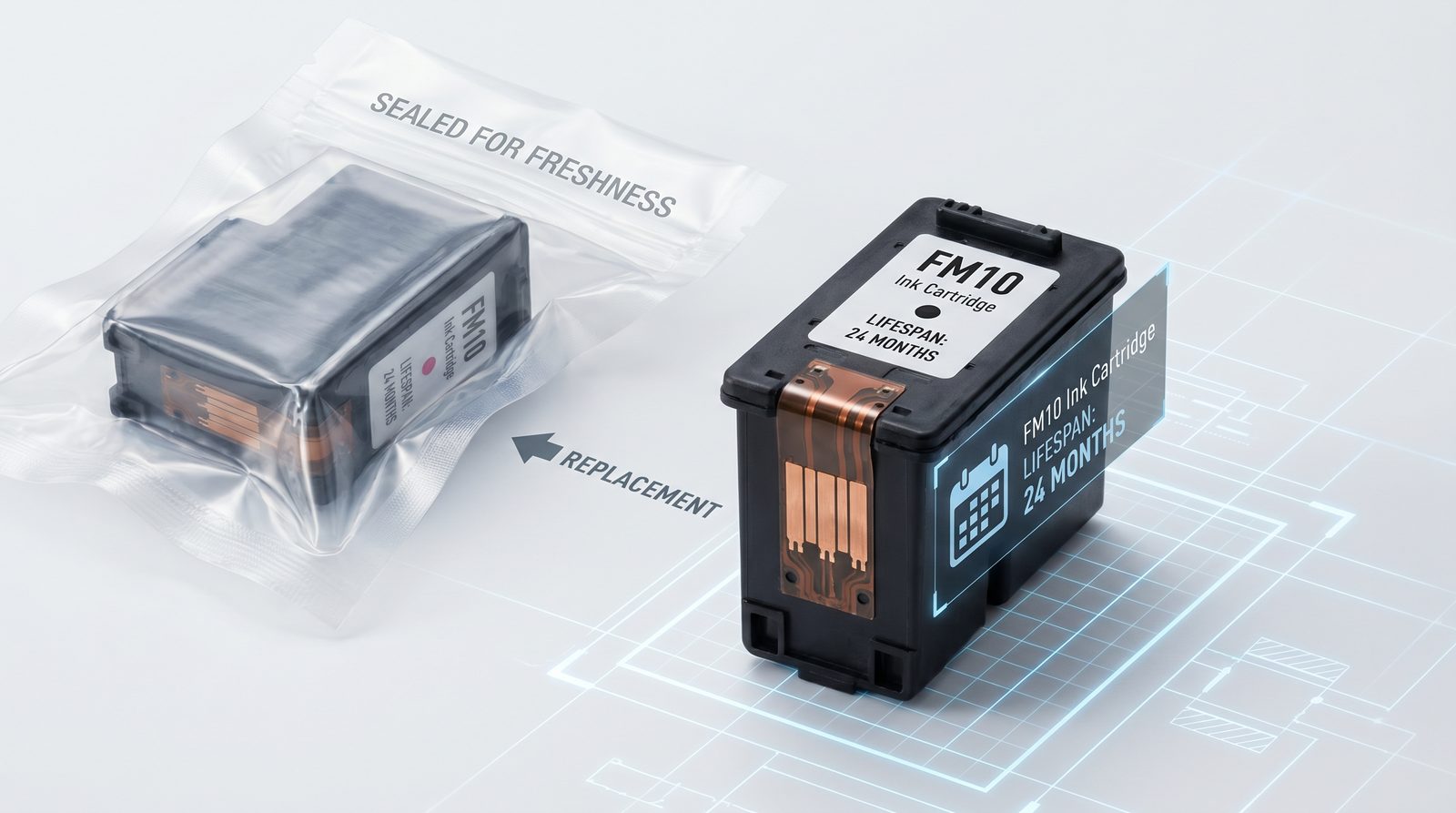
Proper storage is critical, especially if you keep backups on hand. Excessive heat can cause the ink to expand and leak, while freezing temperatures can permanently damage the cartridge's internal mechanisms. If you are a mobile tech using the V11, avoid leaving spare cartridges in your vehicle overnight during harsh Canadian winters or hot summer days. Keep each cartridge in its original sealed packaging until you are ready to install it. Once installed, power the printer off correctly so the printhead parks in its protective position, preventing the ink from drying out.
How to Replace the SM10 Cartridge in Your O'2Nails Printer
Replacing the cartridge is a simple process: open the printer's access door, release the depleted cartridge by pressing down gently, and slide the new cartridge into place until it clicks.
First, make sure your O'2Nails printer is powered on so the carriage moves to the replacement position. Open the ink access door and gently press down on the old cartridge to release it. Remove the new SM10 from its packaging, being careful not to touch the copper contacts or the printhead nozzles, as this can cause printing errors. Slide it into the slot at a slight upward angle and push until it clicks securely into place. Close the access door, and the printer will run a short initialization cycle. Do a test print to verify alignment and colour before your next client.
Why Buy SM10 Cartridges from NailPrinter.ca and NailPrinterUSA.com?
As the official US, Canada and Mexico O'2Nails distributor, NailPrinter.ca (and our sister site, NailPrinterUSA.com) supplies genuine SM10 ink cartridges with Priority Tracked Shipping at a small rate shown at checkout, duties and import taxes included.
Genuine cartridges protect your machine and your 1-year parts-and-labour warranty. We keep inventory in region, so you are not waiting weeks for ink when you need it. Choose a one-time pack of 1, 2, 4 or 6, or subscribe for a monthly delivery and save, and get onboarding support with either of our current machines, the V11 and the X12.5.
Conclusion
Managing your SM10 cartridge properly is essential for consistent, high-quality nail art and for getting the most from your O'2Nails printer. Store it well, watch for the low-ink signal, and swap it in under a minute when the time comes. Ready to stock up? Shop SM10 cartridges or compare the V11 and X12.5.
FAQ
Does the SM10 cartridge work with all O'2Nails models? Yes. The SM10 (also labelled CA-SM10) is the cartridge for every O'2Nails nail printer, including the V11 and the X12.5 sold on NailPrinter.ca (and NailPrinterUSA.com).
How many nails can I print with one cartridge? It varies with design coverage, colour density and print settings, so we do not quote a fixed number. The app's low-ink warning and your print quality are the reliable signals.
Can I refill an empty SM10 cartridge? No. It is designed for single use. Refilling can damage the printhead, degrade print quality and void your warranty.
How do I know when my cartridge is empty? The O'2Nails app displays a low-ink warning as the cartridge nears the end of its life. You may also notice faded colours or missing lines in your prints.