```markdown
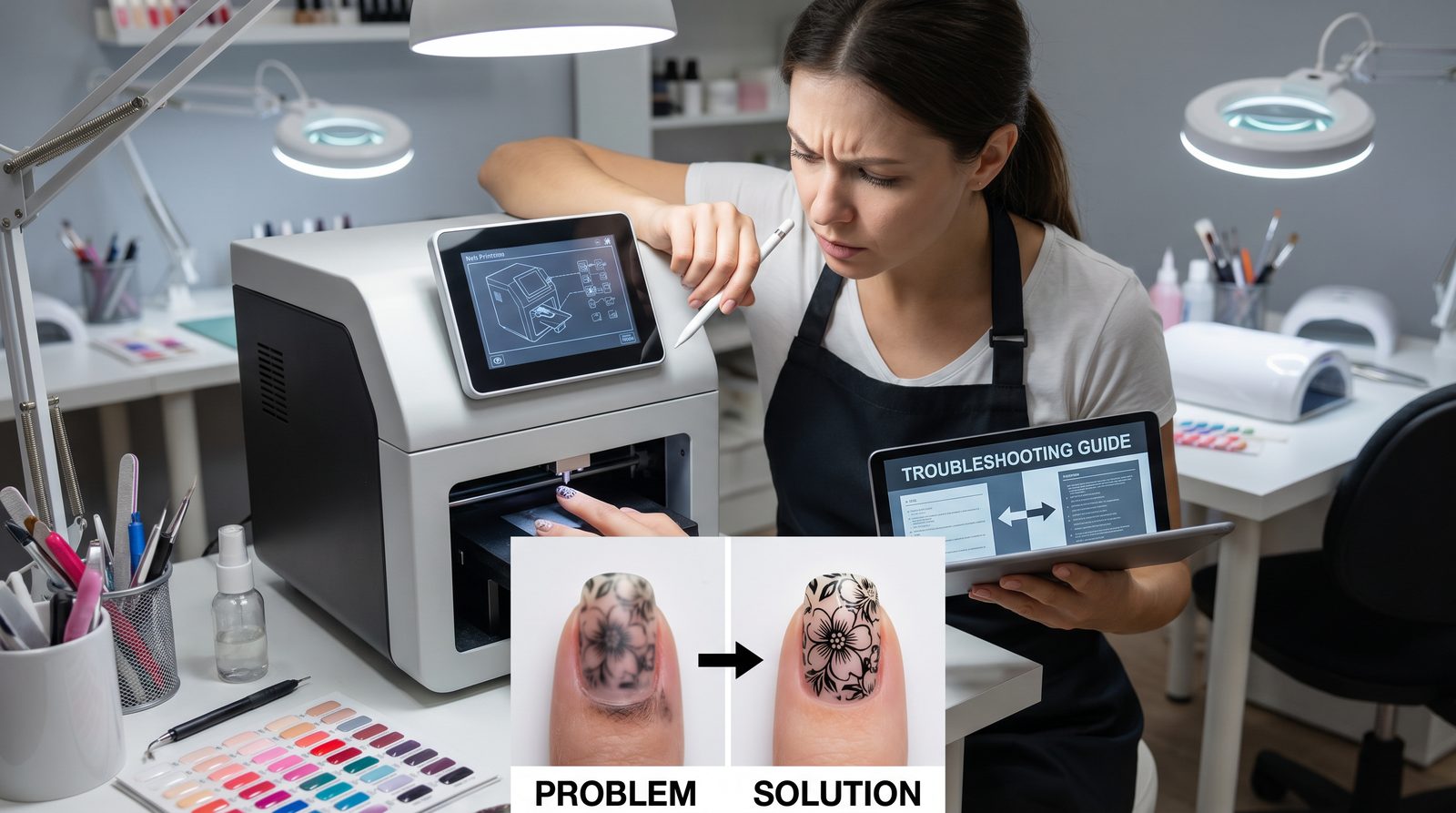
Blurry prints and misaligned designs on O'2Nails printers typically result from either improper nail surface preparation, platen calibration issues, or outdated firmware. Correcting these involves thorough cleaning, recalibrating the print head, and ensuring your device’s software is up to date for crisp, perfectly aligned prints every time.
The nail art industry is rapidly evolving, yet even with cutting-edge technology like O'2Nails nail printers, technical challenges such as blurry prints and misaligned designs can disrupt workflow and revenue. For mobile techs and multi-chair salons, consistent print quality is paramount to maintaining premium client service and maximizing per-chair revenue. This guide covers practical solutions, operational tips, and reasons why partnering with NailPrinter.ca (and our sister site, NailPrinterUSA.com) guarantees you’re supported every step of the way.
---
What Causes Blurry Prints and Misaligned Designs on Nail Printers?
Blurry or misaligned prints are primarily caused by nail surface issues, printer calibration errors, or firmware glitches that affect the print head precision.
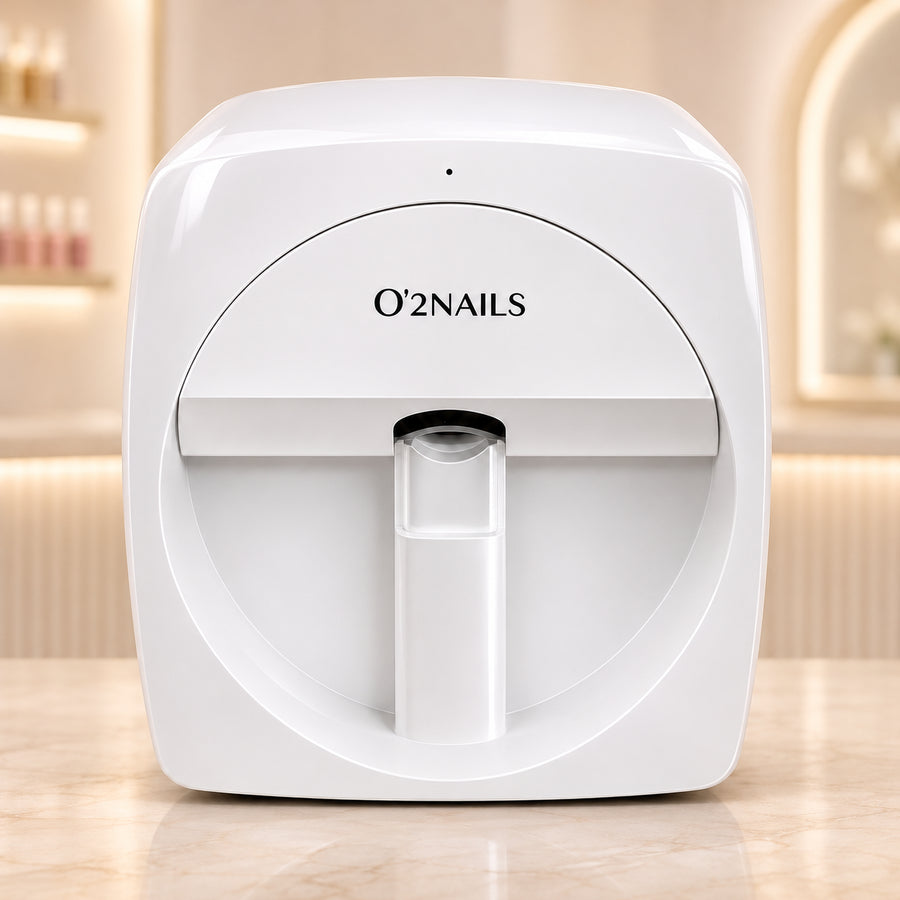
A common culprit is insufficient nail preparation—such as oily residue or uneven base coats—that reduces ink adhesion and sharpness. Calibration errors stem from platen misalignment or incorrect print bed settings, particularly after relocating a portable unit like the V11. Firmware that is outdated can introduce bugs affecting print timing and DPI control (O'2Nails printers operate at a fine 300 DPI resolution for sharp detail).
We strongly recommend beginning any troubleshooting by:
- Cleaning the platen and print head with isopropyl alcohol.
- Verifying nail surface cleanliness and dryness.
- Running the built-in calibration sequence in the O'2Nails software immediately after device startup or transport.
- Updating firmware regularly via the NailPrinter.ca (and NailPrinterUSA.com) portal to ensure your V11 or X12.5 operates on the latest version.
---
How Does Fixing Printer Issues Increase Salon ROI and Efficiency?
Resolving print quality problems quickly speeds up production and supports per-chair revenue.
Blurry prints and misalignment lead to reprints and wasted materials—time is lost and customer satisfaction dips. With O'2Nails printers’ industry-leading 5 minutes per full hand print and roughly 30 seconds per single nail, maintaining flawless prints maximizes these speed benefits.
| Model | Price (CAD) | Print Speed Per Hand | Warranty | Ideal For |
|---|---|---|---|---|
| V11 | $998 | 5 min | 1 year | Mobile techs, bridal & events, solo studios |
| X12.5 | $2,150 | 5 min | 1 year | Multi-chair and high-volume salons, 100+ sets/day |
These are the only two O'2Nails machines currently sold. If you own an earlier O'2Nails model, the troubleshooting steps in this guide still apply and our support team can still help.
In multi-chair salons, a machine like the X12.5 can add revenue per chair by reducing manual nail art time, allowing technicians to serve more clients efficiently. Eliminating print errors reduces costly downtime, conserves cartridges, and supports premium pricing for flawless designs. To size the payback for your own chair count, use the ROI calculator.
---
How Do Mobile Technicians and Multi-Chair Salons Troubleshoot These Issues Operationally?
Effective troubleshooting is integrated into daily device use through a combination of routine cleaning, calibration, and software maintenance protocols tailored for high-demand environments.
Mobile techs using a portable printer like the V11 should:
- Clean print heads and platens before every event setup to avoid residue buildup.
- Perform calibration whenever the machine is repositioned or transported.
- Use the cloud library (1,000 to 10,000+ professional designs) to test prints before client application.
- Keep firmware updated via NailPrinter.ca and NailPrinterUSA.com’s support resources.
In multi-chair salons deploying the desktop X12.5, NailPrinter.ca (and NailPrinterUSA.com) recommends assigning a tech lead responsible for printer upkeep, running weekly calibration checks, and ensuring all devices connect to stable Wi-Fi for seamless cloud library access and firmware updates. This reduces common issues that cause misalignment in high-volume environments producing 100+ sets/day.
---
Why Choose NailPrinter.ca (and NailPrinterUSA.com) for Your O'2Nails Troubleshooting and Support?
NailPrinter.ca (and NailPrinterUSA.com) is the official Canada and USA authorized distributor featuring Canadian inventory, a 1-year warranty, Affirm and Shop Pay financing, plus personalized onboarding to streamline your operational success.
Our expert team understands the fast-paced demands of mobile techs and multi-chair salons. We provide:
- In-region inventory ensuring rapid shipping and replacement parts.
- Comprehensive onboarding—training your team to prevent and resolve common print issues effectively.
- Affirm and Shop Pay financing options to align investment with cash flow.
- End-to-end support ensuring your O'2Nails printer consistently delivers sharp, perfectly aligned prints that command premium pricing.
About NailPrinter.ca and NailPrinterUSA.com page
---
Conclusion: Keep Your Prints Crisp and Your Clients Happy
Blurry prints and misaligned designs can stall your nail art business, but with proper nail preparation, regular calibration, and keeping O'2Nails firmware updated, these issues are fully avoidable. NailPrinter.ca (and NailPrinterUSA.com) equips mobile techs and multi-chair salons with the expertise, Canadian-stocked machines, and ongoing support essential for maximizing efficiency and ROI.
Ready to upgrade your nail art game? [Compare machines] tailored for your operational needs or [Shop the complete lineup] of O'2Nails printers today.
---
FAQ: Nail Printer Troubleshooting
Q1: How often should I calibrate my O'2Nails printer to prevent misalignment? Calibration is recommended every time you move the printer, at the start of each day, and after firmware updates to maintain print precision.
Q2: What cleaning supplies work best for removing residue without damaging the print head? Isopropyl alcohol (70%+) on a lint-free cloth is best; avoid harsh chemicals or abrasive materials that can void warranty.
Q3: Can blurry prints result from using the wrong nail base coat? Yes. Sticky or oily base coats reduce ink adhesion and lead to blurry prints. Use recommended base coats and ensure nails are dry.
Q4: What is the expected print speed per nail on O'2Nails printers? Print speed is approximately 30 seconds per individual nail, or 5 minutes per full hand print.
Q5: Which O'2Nails machines can I still buy? Two: the V11 at $998 and the X12.5 at $2,150.
---
Compare Machines page Firmware Update guide Contact Support ```